
INTRODUCTION:
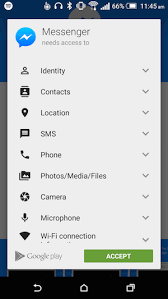
Imagine you are sitting comfortably and feeling excited to play a new game. You quickly download a racing game app and open it with full excitement. But suddenly, a pop-up appears asking for access to your camera, contacts, location, and other permissions. For a moment, you stop and wonder why a simple racing game needs access to your contacts or camera. This makes you feel confused and a little suspicious, as if you may have downloaded the wrong app, or it could even misuse your data. You hesitate and think twice before tapping “Allow,” unsure whether the app will actually work properly or if something risky might happen in the background.
This kind of confusion is very common among users, and most people either allow permissions without thinking or feel uncertain about what they just approved. Later, they start worrying about whether they gave too much access to their phone. To clear this confusion, it is important to understand why apps ask for permissions in the first place and what really happens when you allow or deny them. In this article, you’ll discover whether app permissions are safe or not, what actually happens behind the scenes, and how you can better protect your privacy while using different apps.
WHAT ARE APP PERMISSIONS?
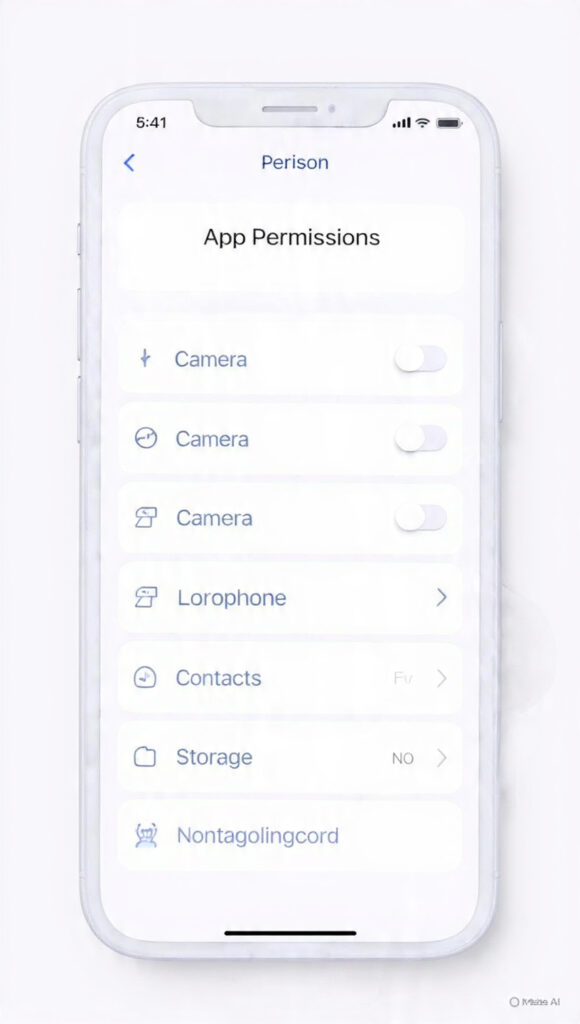
So, the first thought that comes to mind is, what exactly are app permissions? When you search for it, you learn that permissions are requests that allow an app to access certain parts of your phone, such as the camera, location, contacts, storage, or microphone. These permissions help the app function properly and deliver its main features. For example, a camera app needs camera access to take photos, a map app needs location access to show accurate directions, and a messaging app may request contacts to help you connect with people easily. Without these permissions, many apps would not be able to work as intended.
However, app permissions are not just about functionality; they are also about data access and privacy control. When you allow a permission, you are giving the app access to parts of your device that may contain personal or sensitive information. For instance, storage access can let an app view your photos and files, while microphone access may allow it to record audio. Because of this, permissions play a very important role in smartphone security. Modern phones now give more control, such as “Allow only while using the app,” “Ask every time,” or “Deny,” so users can decide how much access they want to give. It is important to understand that every permission you allow increases the level of access an app has to your device, so it should always be granted carefully and only when necessary.
ARE APP PERMISSION ARE SAFE OR RISKY?
Even after understanding permissions, the big question remains: are they safe or not? To make this clear, imagine two real-life examples: Aman and Ravi. Both downloaded a photo editing app to edit pictures from their trip. When they open the app, it asks for permissions like storage, camera, location, and contacts. Aman is in a hurry, so he quickly taps “Allow” on every permission without thinking. On the other hand, Ravi pauses for a moment and thinks carefully. He realizes that a photo editing app only needs a camera and storage access, so he allows only those and denies the rest.
After a few days, Aman starts noticing something strange. He begins seeing ads related to places he recently visited and even suggestions connected to his contacts. He feels confused and a bit worried, how does this app know so much about him? The reason is simple: by allowing unnecessary permissions like location and contacts, he gave the app access to his personal data. In contrast, Ravi does not face any such issues. His app works perfectly fine, and he doesn’t see ads based on his personal life because he limited the app’s access only to what was truly needed.
So, the answer is clear: app permissions are safe if you use them wisely. Just like Ravi, if you allow only the necessary permissions, your privacy stays protected, and your apps still work properly. But if you blindly allow everything, like Aman, it can put your personal data at risk. The key is to stay aware and think before tapping “Allow.” This way, you can enjoy using apps without compromising your privacy and security.
WHAT HAPPENS IF YOU DENY APP PERMISSIONS:
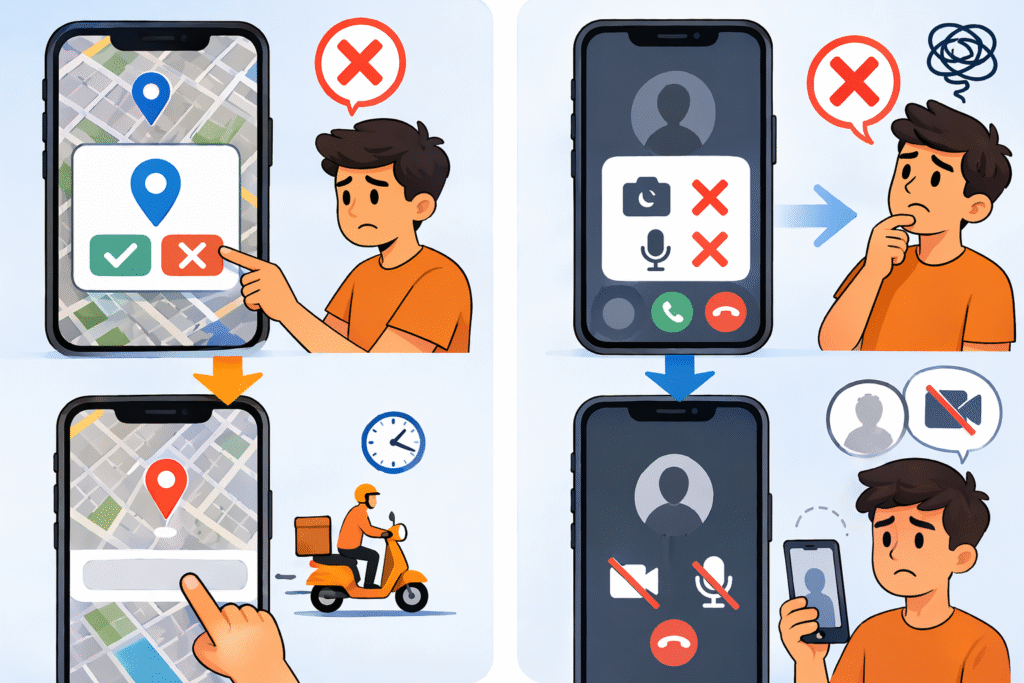
To understand what happens when you deny app permissions, imagine a simple situation. You install a food delivery app, and it asks for location access. You feel unsure and tap “Deny.” Now the app cannot detect your location automatically, so every time you want to order food, you have to enter your address manually. The app still works, but not at its full potential. It’s like going to a restaurant where no waiter serves you, you can still eat, but you have to do everything yourself. Denying permission in such cases doesn’t stop the app completely, but it reduces convenience and makes the experience slower and less smooth.
Now think about another situation. You install a video calling app, but deny camera and microphone permissions. In this case, the app becomes almost useless because its main purpose depends on those permissions. You may be able to open the app, but you won’t be able to see or hear the person you’re calling. It’s like trying to ride a bike without fuel; it simply won’t work the way it’s meant to. This shows that some permissions are essential for an app’s core function, while others are optional.
So, denying permissions doesn’t always break an app, but it does change how it works. If the permission is necessary, the app may not function properly; if it’s optional, the app will still run but with limited features. The smart approach is to think before allowing or denying, giving only the permissions that make sense for the app’s purpose. This way, you maintain a balance between functionality and privacy instead of blindly allowing everything.
HOW TO CHECK AND CONTROL APP PERMISSIONS:
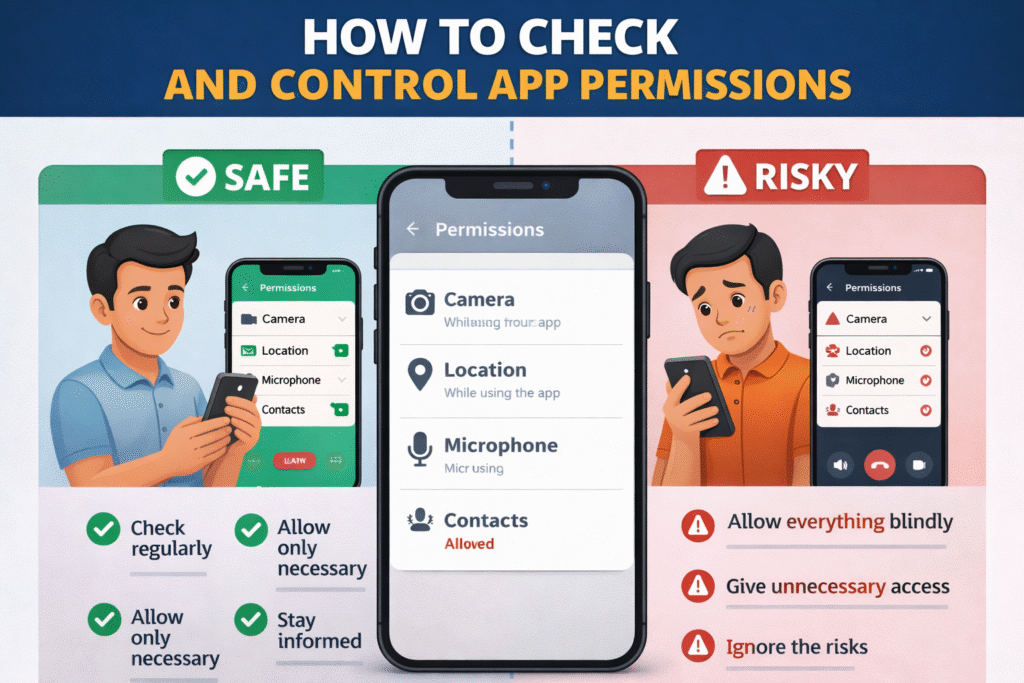
Now imagine you suddenly realize that you’ve already allowed all permissions to many apps. It can make you feel a bit guilty, like you’ve made a mistake that cannot be reversed. But the truth is, it’s completely fixable. You can take back control anytime. To understand how, let’s look at a simple example of a student named Rahul. After learning about app permissions, he realized he had been allowing everything without thinking. So one day, he decided to fix it. He opened his phone settings, went to “Privacy” (or “Security & Privacy”), and tapped on “Permission Manager.” There, he could see all categories like Camera, Location, Microphone, Contacts, and Storage.
When Rahul checked the “Location” section, he noticed that many apps were using it unnecessarily. He quickly changed their access to “Deny” or “Allow only while using the app.” Then he reviewed other permissions and removed things like microphone access from games and contact access from apps that didn’t need it. After making these changes, Rahul felt a sense of relief and control. Over time, he even noticed real benefits; his phone’s battery started lasting longer because fewer apps were running in the background, and his device became smoother with less unnecessary activity.
The biggest benefit was peace of mind. Rahul knew his personal data was no longer being shared without reason, and he had full control over what each app could access. This shows that even if you’ve allowed too many permissions in the past, you can always fix it in just a few minutes. By checking and managing app permissions regularly, you not only protect your privacy but also make your phone faster, safer, and more efficient.
CONCLUSION:
In conclusion, app permissions are an essential part of how your smartphone works, but they also have a strong impact on your privacy and security. As you’ve seen, not all permissions are dangerous; many are necessary for apps to function properly and deliver their main features. The real problem begins when we blindly allow every permission without thinking about whether it is actually needed.
In the end, app permissions are neither completely safe nor completely risky; it all depends on how you manage them. If you stay aware, think before tapping “Allow,” and give only the permissions that make sense, you can enjoy using apps without putting your personal data at risk. Smart choices lead to better privacy, better control, and a safer smartphone experience.
KNOW MORE:
INTERNAL LINKS:
https://techman.live/why-your-phone-battery-drains-fast-even-when-youre-not-using/
https://techman.live/what-is-cache-in-phone-and-how-it-makes-your-apps-faster/
EXTERNAL LINKS: